

tmux: how to become efficient with multiple terminal windows
Table of Contents
You can use tmux to control several terminals from a single screen.
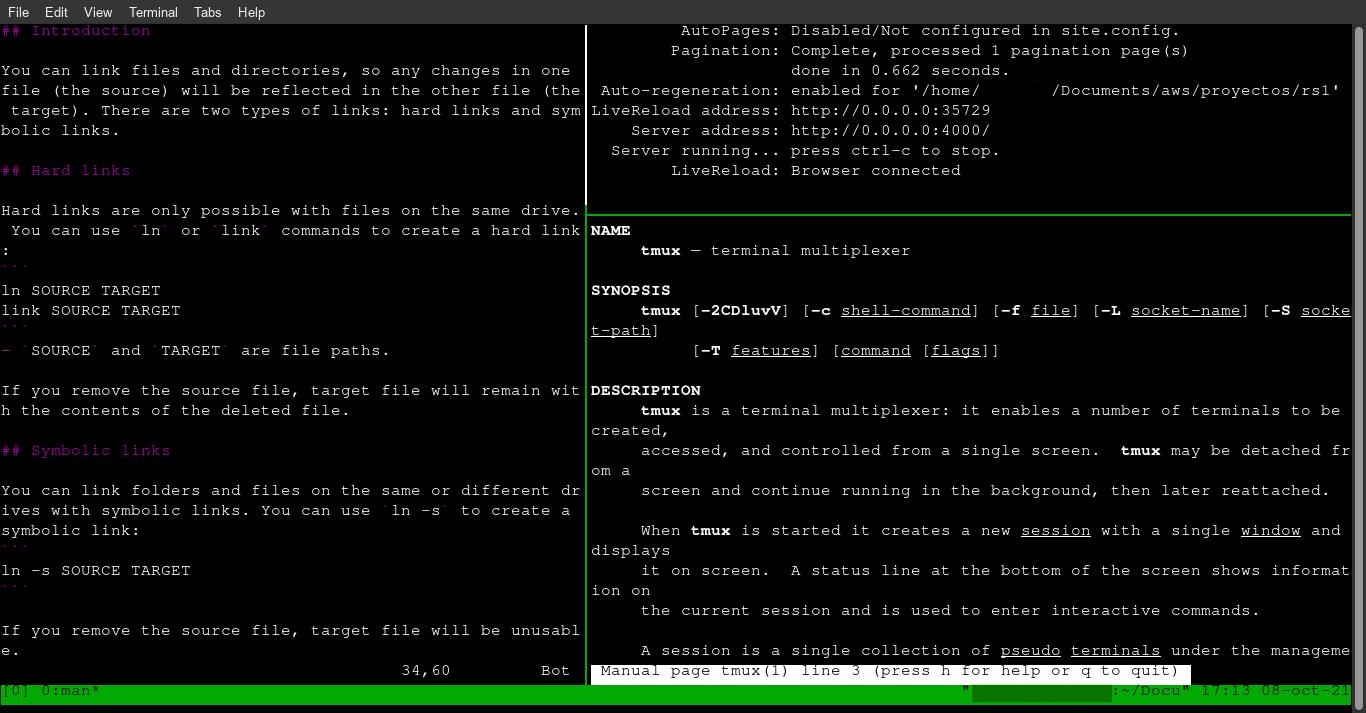
Once installed, type tmux to start the program. You can control tmux by using a key combination of a prefix key (Ctrl + B), followed by a command key. These are the most common command keys and their function:
Panes
%: split the current pane vertically.": split the current pane horizontally.Arrow keys: change to the top, right, bottom or left pane.x: kill the current pane.- Ctrl +
Arrow keys: change the size of current pane.
Windows
c: create a new window.n: change to the next window.p: change to the previous window.&: kill the current window.
More
[: Enter “copy mode” to copy text or view the command output history (using arrow keys). Select text with Ctrl + SPACE and arrow keys, copy with Ctrl + W. Exit this mode with Esc.]: Paste text (copied with the above command).
If you have any suggestion, feel free to contact me via social media or email.
Latest tutorials and articles:





Featured content: